Form 1099-B
Broker and Barter Exchange Transactions
You’ll receive this form if you sold stocks, bonds, mutual funds, or other investments. Form 1099-B reports the securities sold and your capital gains or losses.

Understand Your Form 1099-B
Box 1a: Description of property.
This is the “what” of your transaction — the name of the stock, bond, or other security you sold.
Box 1b: Date acquired.
Here, you’ll see the date you originally acquired the property.
Box 1c: Date sold or disposed.
This box shows when you sold your investment.
Box 1d: Proceeds.
This box shows the gross proceeds from the sale.
Box 1e: Cost or other basis.
This shows what you originally paid for the property (plus certain expenses). If it’s blank, check your records to determine your basis. Subtract it from the proceeds in Box 1d to calculate your taxable amount.
Box 1f: Accrued market discount.
If you sold certain debt instruments, this box may show accrued market discount that could be taxed as ordinary income.
Box 1g: Wash sale loss disallowed.
This box shows any loss the IRS doesn’t allow due to wash sale rules, which apply when you sell and repurchase the same or similar securities within a short timeframe.
Box 2: Type of gain or loss.
This box helps you understand how your gain will be taxed, depending on whether it’s a short-term or long-term gain. If “ordinary” is checked, your security might be subject to special rules.
Box 3: If checked, proceeds from collectibles or a QOF.
This checkbox shows whether the sale involved collectibles or a qualified opportunity fund (QOF). These transactions may be subject to special tax rules and can affect how the gain or loss is reported.
Box 4: Federal income tax withheld.
If any federal income tax was withheld from the transaction, it appears here. This can happen in certain backup withholding situations.
Box 5: Noncovered security
If this box is checked, box 2 might be blank. A “noncovered security” just means the broker is not required to report certain information.
Box 6: Reported to IRS. Gross proceeds or Net proceeds.
This checkbox shows whether the reported proceeds reflect gross proceeds or net proceeds after adjustments.
Box 7: Check if loss is not allowed based on amount in 1d.
This box is used in limited cases where losses are restricted based on how proceeds are calculated.
Box 8: Gain or loss amount.
Some broker transactions, including certain forward contracts or regulated futures contracts, may report gains or losses directly in this box.
Boxes 8-11: Contract-related gains or losses.
These boxes apply to complex broker transactions like futures, forward, or foreign currency contracts. Brokers may report total gains or losses instead of each trade. Most everyday filers won’t see amounts here.
Box 12: If checked, basis reported to IRS.
This checkbox shows whether your broker reported your cost basis to the IRS. When this box is checked, it’s important that the numbers you report match the numbers provided to the IRS.
Box 13: Bartering.
This box applies to barter exchange transactions and reflects non-cash proceeds reported to the IRS.
Box 16: State tax withheld.
If state tax was withheld, it appears here.
Related Information
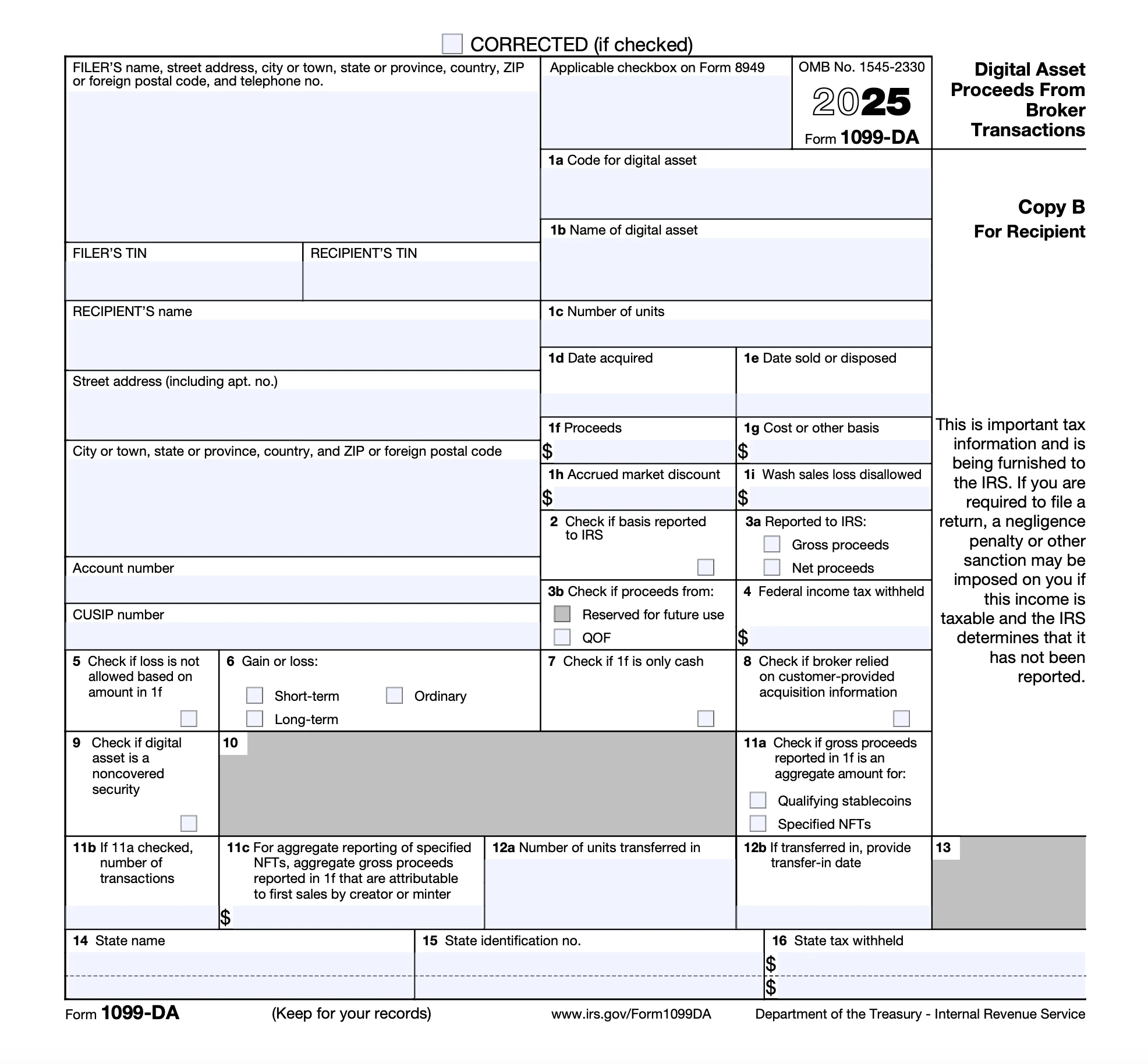
IRS Form 1099-DA Explained: Digital Asset Tax Reporting Guide
Learn about the new IRS Form 1099‑DA, how it impacts crypto and digital asset reporting starting TY2025, and how to stay compliant.
Bitcoin and Taxes: What You May Not Know
Find out all you need to know about Bitcoin taxes so you are prepared to report your cryptocurrency earnings on your tax return.
How Do You Report Cryptocurrency on Your Taxes?
Learn how to report income from cryptocurrency such as Bitcoin, Ethereum, and Dogecoin.
A solution for every tax situation
Whether you’re filing for the first time, claiming education credits, or managing retirement income, TaxAct makes it easy to file with accuracy.
Guided support for W-2 earners, retirees, and joint filers
Handles education credits and deductions with ease
Built-in checks help catch common mistakes before you file